
Automations without a line of code
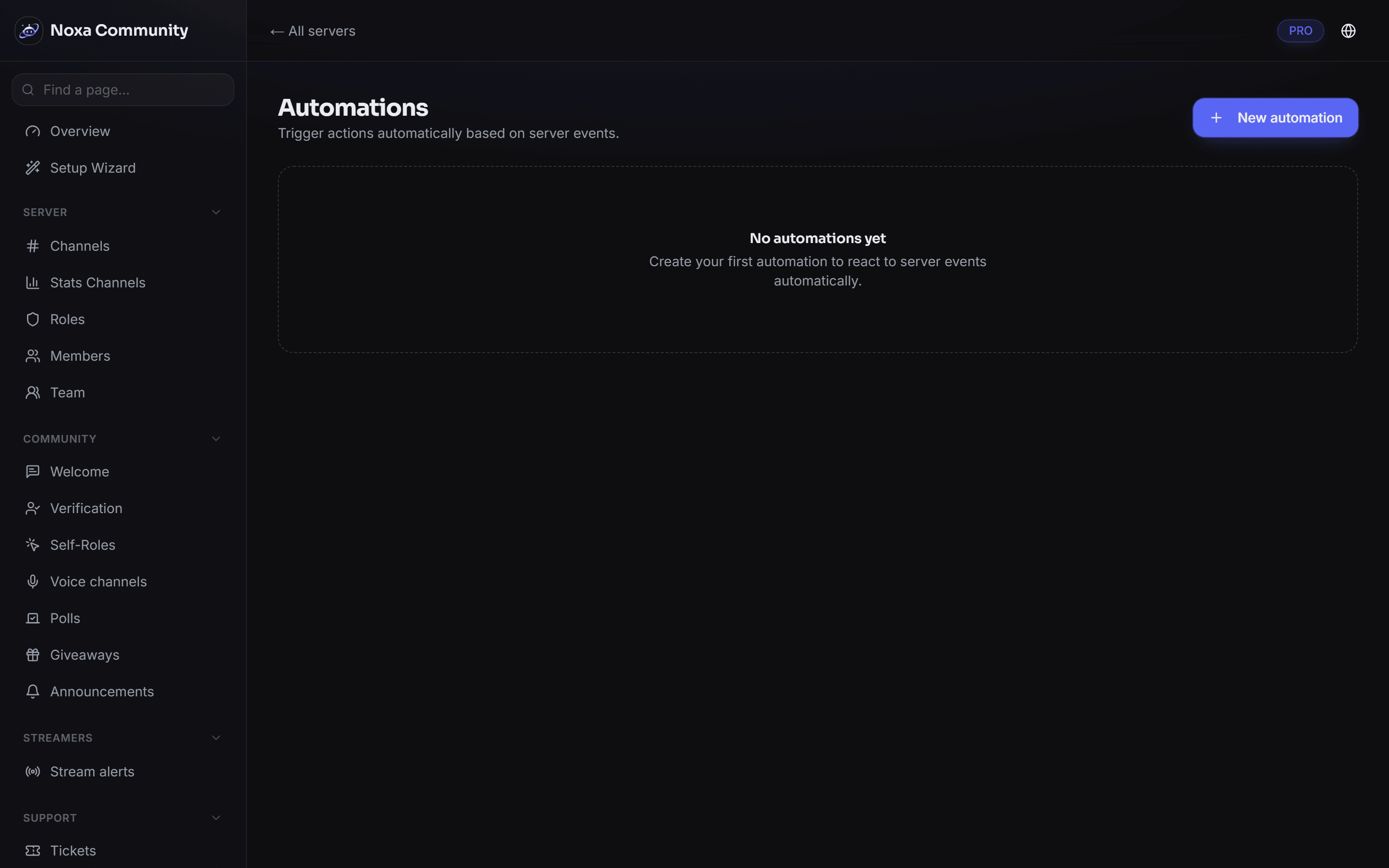
A rule is a trigger, optional conditions and one or more actions. Assembled by clicking, in the dashboard.
What it does
- Triggers from everyday server life
- Joins, messages, role changes, moderation cases and schedules.
- Conditions
- Rules fire only when they should — depending on role or channel, for instance.
- Loop protection
- An automation that triggers itself is detected and stopped instead of flooding the server.
- Execution log
- What fired, when, and why — all traceable.
How to set it up
- Pick a trigger.
- Add conditions where needed.
- Define the actions and switch it on.