
Ticketing for Discord
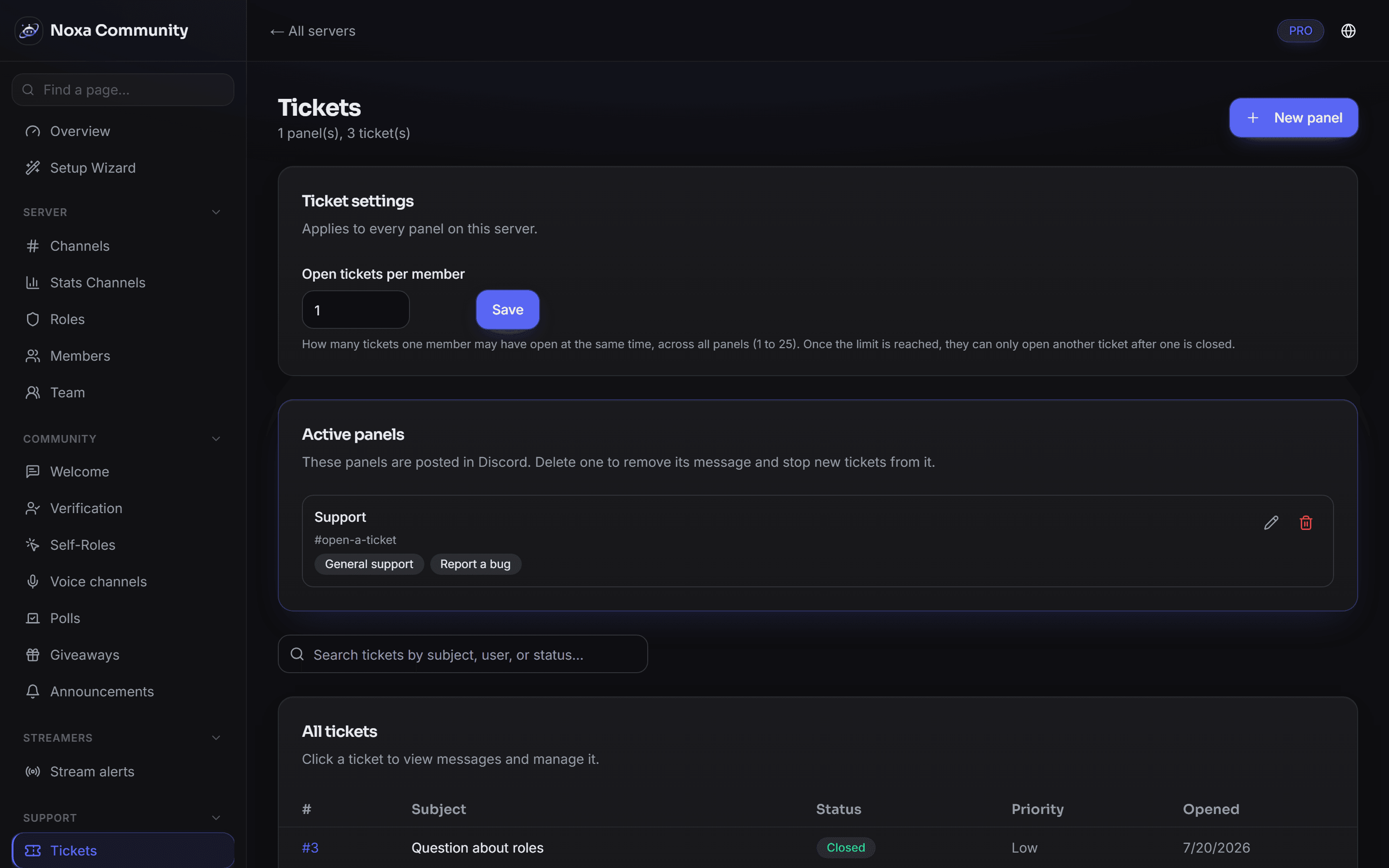
Members open a ticket with a button and Noxa creates a private channel for it. Your team works from the dashboard or straight from Discord — both stay in sync.
What it does
- Multiple panels
- Different concerns get their own panel, with their own options and responsible roles.
- Claim and close
- A staff member claims a ticket visibly for everyone. Closed tickets can be reopened.
- Transcripts
- On close the conversation is archived and sent to the opener by direct message.
- Groups and visibility
- Ticket groups limit, on the server side, which team can see which tickets at all.
How to set it up
- Create a panel in the dashboard and pick the channel.
- Define the options and the roles responsible.
- Noxa posts the panel as a real Discord message with buttons.